
I tried Neovim, and I liked it.
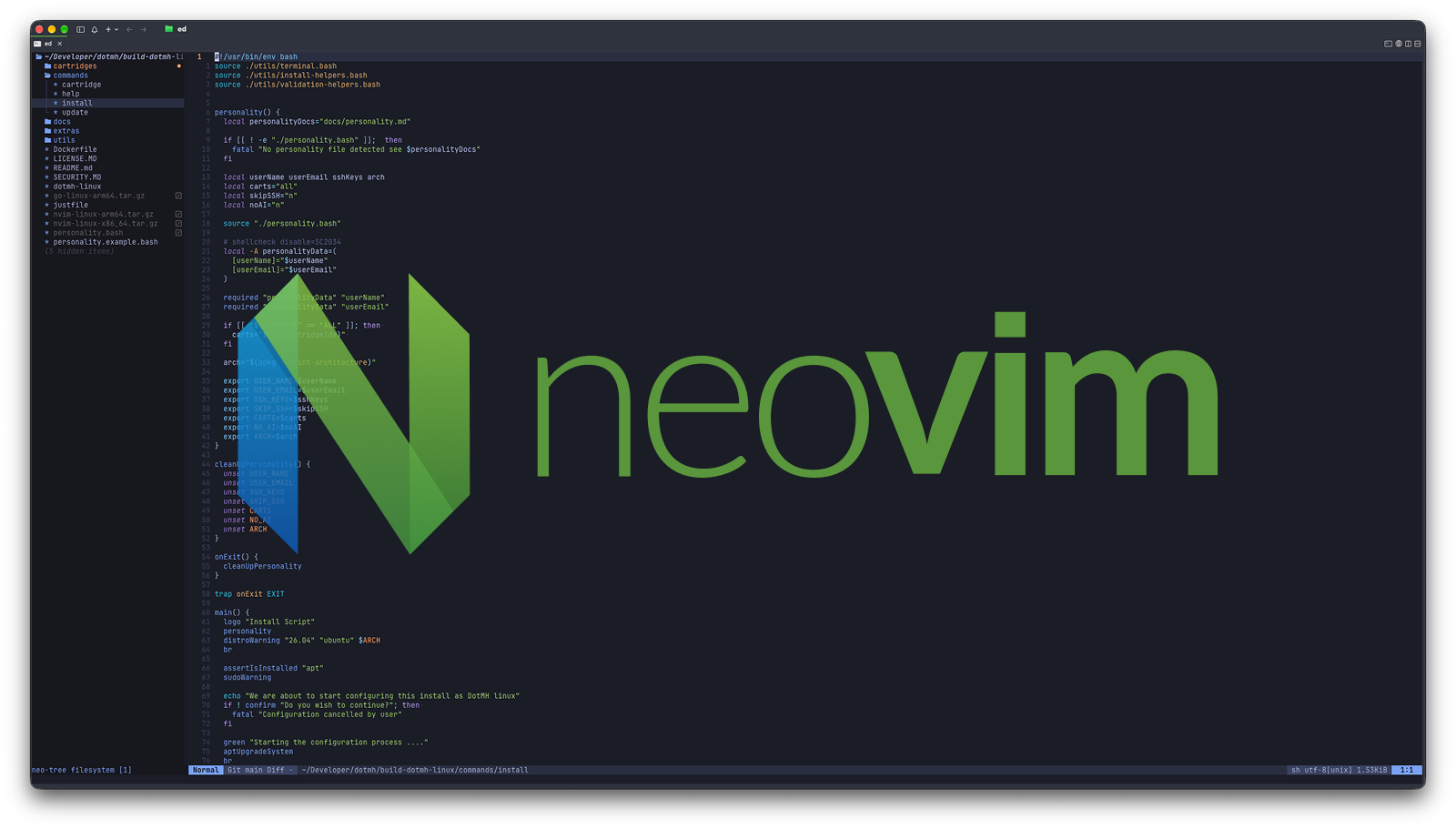
For as long as I can remember, I have heard people evangelise Vim in certain circles: if you are not using VIM, then you are not a proper developer. Until recently, I didn't understand it; given how good visual editors like Sublime, Atom, and eventually Visual Studio Code were, Vim's steep learning curve didn't seem worth it. I used Vim just enough to exit it, and I was happy with that. For the times that I needed to edit a file on a remote system, I either used the excellent nano or, for more complex cases, the Remote SSH extension to create an SSH connection to the remote system, then edit in VS Code.
So basically my tooling was Visual Studio Code for almost everything and the odd nano where I had to. However, earlier this year that changed; I was working away at work, and suddenly my Mac stopped everything; it had exhausted all its memory and needed me to decide what to close; that is when I saw it: Visual Studio Code was up in the 20GB range; my work Mac has only 24GB of RAM, which means that VS Code wanted all the RAM I had.
I have been watching a number of YouTube channels over the last year, mainly Nathan Baggs and Sphaerophoria, who both use Neovim. I therefore decided to give it a go.
Why Neovim, not Vim, Emacs or something else?
This is both a difficult question and an easy question. Why Neovim boils down to the fact that I was familiar with the Vim platform, having seen other developers use it, whereas I've never used Emacs. No disrespect to Emacs fans.
I wanted a more modern experience with good LSP support; that basically ruled out Vim for me. Another advantage of Neovim that tipped it over the edge for me compared to Vim is that you can write its config and plugins in Lua, or in other languages I know and like, for example, TypeScript/JavaScript with Node.js.
How I started:
First, I installed Neovim everywhere I write code. When I learn a new tool, I want to use it full time. I've found this massively accelerates my learning. As part of that install process, I need to configure my Neovim. I went with Kickstart.nvim That was because it gave me a good noob configuration, and it also used my preferred theme Tokyo Night by default.
Since then, I've added some custom configuration, and you can find my forked configuration. This was mainly to support the languages that I work in, such as
Enabling TypeScript LSP
Enabling Go LSP
Enabling Clangd LSP
Adding OnmiSharp for .NET LSP
As well as adding an explorer bar on the side, similar to Visual Studio Code. I added this mostly because I find it really useful when I am looking at unfamiliar projects, including projects I haven't been in for a while.
Since then, I've added further configurations to make my workflow easier.
In normal mode, use relative line numbers; in insert mode, use absolute line numbers, which makes commands like yank and delete easier.
Turn spell check on by default for Markdown files
Add Wakatime
Small change in behaviour around making cuts
Copy easier to use
I then started doing real work in Neovim: writing code, making updates, starting a new project, updating configuration files, and whatever other text-based tasks I was doing.
Whenever I wanted to do something that I wasn't sure about, I used the site Neovim Cheat Sheet. If that didn't have the answer, I asked tools like ChatGPT to explain not just how, but why, so I could better understand Neovim. When I learnt something new, I would add it to my own cheat sheet. This way, I built a knowledge base of my own workflow that I could use as I worked in Neovim.
What I struggled with
I thought learning all the different shortcuts would be the hardest part of moving to Neovim, but with cheat sheets and constant use, I learned most of the important ones quickly. Learning the ways of working can be a bit harder, but with tools like ChatGPT you can just ask, "How do I do x in Neovim?" or "In x editor I can do this; how do I do it in Neovim?" and get a good answer.
The things that took the most to get used to were the smaller ones. It took me way too long to get used to the fact that LSP Error checking and validation doesn't seem to run until you enter normal mode. This probably makes sense to people used to the Vim way of working, but coming from non-mode-based editors like VS Code, JetBrains, etc., this was weird. I would write some code, then save, switch from insert mode to normal, and get feedback.
Now I am used to that, but wow, it does make it easier to focus on what you are doing and thinking about the code, and then validate it at the end.
The lack of hover was another issue I still struggle with; in VSCode or JetBrains Rider, you can hover over a variable or function to get more information, especially about typing. You can go to the type definition, which helps, but in C#, especially with overloads, hovering was quicker for fixing type errors.
Conclusion
I really like Neovim and working in it. I have now completely swapped my workflow to Neovim and haven't opened VSCode in a long time. There are still some areas that I want to get used to, or miss. Hovering to get type information or running tests from the editor. However, the simpler interface, less clutter and bloat, increased responsiveness, and keyboard-driven UI are definitely worth it.
Some things I still want to do: learn more Neovim-specific workflows and do more with Telescope. I often forget you can grep inside the files with it, not just search by filename.
I also want to split my config because I use Neovim everywhere I develop, but not every language needs to be set up everywhere. So it would be great if I could split out the LSPs and only have the ones that I need for that machine.


